Linked Git Accounts
Connect a Git account for private repository imports, pulls, commits, and pushes in transformation projects.
Open Linked Accounts
Navigate to Settings → Linked accounts.
Each linked account belongs to the signed-in user. Other workspace members cannot use it, and project access does not expose its token, OAuth authorization, or SSH key.
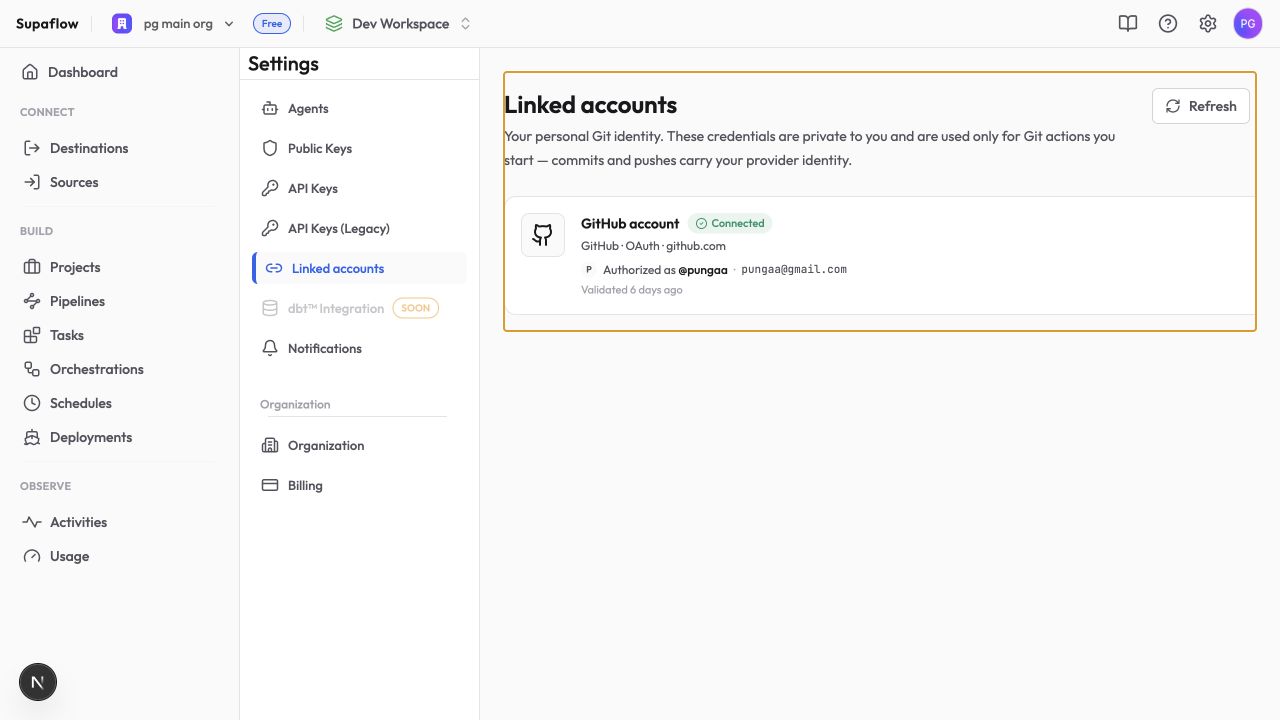
Supported Providers
| Provider | Authentication |
|---|---|
| GitHub | Hosted OAuth, personal access token, or SSH key |
| GitLab | Hosted OAuth, personal access token, or SSH key |
| Azure DevOps | Hosted OAuth or personal access token |
| Git server | Username and token/password, or SSH key |
For self-hosted GitHub or GitLab, use a personal access token or SSH key. Hosted OAuth applies only to the provider's hosted service.
Link an Account
- Click Link account
- Choose a provider
- Select an authentication method
- Complete authorization or enter the requested credential
- For a token or SSH account, enter an account name. For OAuth, Supaflow assigns a name automatically; expand Advanced options to customize it
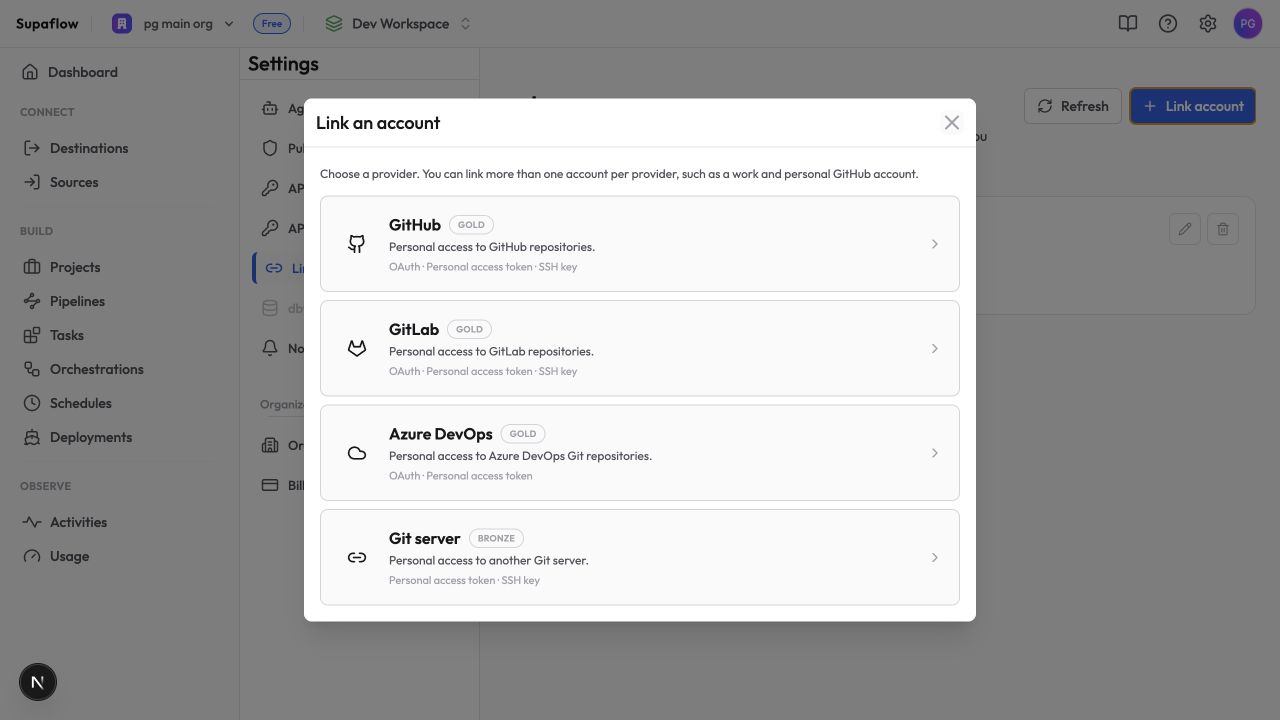
You can link more than one account for the same provider, such as separate work and personal GitHub accounts.
Where Accounts Are Used
Select a linked account when:
- Importing a private dbt repository into a transformation project
- Pulling changes into a Git-backed project
- Committing staged project files
- Pushing a feature branch
Public HTTPS repositories can be imported without a linked account.
Git actions are manual. Linking an account does not automatically synchronize a repository, deploy every commit, or place ingestion pipeline configuration under Git control.
Reconnect or Remove an Account
Reconnect an account when Supaflow shows Reconnect required. The provider may have expired or rejected the authorization.
Removing an account prevents new Git actions from using it. It does not delete a provider account or repository, and it does not rewrite existing commits.
Troubleshooting
Account does not appear for a project
Problem: A linked account exists, but it is not offered for the repository.
Solution: Confirm the account provider, host, and authentication method match the repository URL. SSH repositories require an SSH account. Self-hosted repositories cannot use hosted OAuth.
OAuth window closes without linking
Problem: Provider authorization completes, but no account appears.
Solution: Refresh Linked accounts. If the provider rejected the authorization, retry and confirm the requested repository access.
Git action says reconnect required
Problem: A pull, commit, or push fails because the authorization expired.
Solution: Open Settings → Linked accounts, reconnect the account, return to the project, and retry the action.
Related Pages
Support
Questions? Contact us at support@supa-flow.io
 Ask Claude